
Getting King County Court Records
First, pick the right office. The 50th District Clerk holds filings from the 50th Judicial District Court, including district civil and felony matters. The County Clerk keeps probate files and Constitutional County Court cases. Class C, traffic, and small-claims papers belong to the King County Justice of the Peace. JP records live in that office alone. Both clerk pages name the same official. Even so, the record sets stay distinct.
Search the county-linked iDocket index, or try re:SearchTX. Phone, fax, mail, and counter requests also work. The county posts no local record email, online certified-copy form, public-terminal policy, or turnaround promise. A written request for a non-case judicial record follows Texas Rule of Judicial Administration 12 and must reach the actual holder of the file.
- Identify the court, case type, parties, and cause number if known.
- Check iDocket or re:SearchTX, while noting that coverage varies.
- Call the District or County Clerk at 806-596-4412, or the JP at 806-596-4481.
- Ask where to send or present a mail, fax, or walk-in request and what payment is accepted.
- State the exact document and whether a plain or certified copy is required.
King County Record Custodians
King County runs three local record lanes. County Court here is not a county court at law, and the county has no statutory county court at law. A wrong-office request can stall. That risk holds even though the District Clerk and County Clerk pages list the same office address and phone.
| Court record | Custodian | Starting channel |
|---|---|---|
| District civil and felony | 50th District Clerk | iDocket, phone, fax, mail, or counter |
| County and probate | King County Clerk | iDocket, phone, fax, mail, or counter |
| Traffic, Class C, small claims | King County JP | Phone, fax, mail, or counter |
| Non-case judicial record | Actual custodian | Written Rule 12 request |
One caution: the County Clerk's property-search link is not a court record search. Case files sit with the clerks, not the sheriff.
Court Record Types
A file holds more than the docket shows. What you can get depends on the court, the category, the file's age, and any access orders. Ask for the exact item you need.
- Docket sheets and chronological case events
- Petitions, answers, motions, and other pleadings
- Notices, settings, signed orders, and judgments
- Public probate filings held by the County Clerk
- Public JP traffic, Class C, and small-claims records
Protected identifiers, juvenile material, and sealed documents may be withheld or redacted. And a public index row promises no image.
King County iDocket Record Index
The clerk pages link to iDocket, a vendor portal. It advertises searches by plaintiff, defendant, file date, attorney, county, court, exact or sounds-like name, bondsman, state, and cause number. Deeper use requires registration. The public inventory lists separate King district and county rows, each marked "Images: No." An index hit may still mean a clerk copy request.
The iDocket county inventory shows that two datasets exist. It does not show that a case is active, complete, or public, and counts must not be read as convictions or current caseload. When names match, cause numbers beat sounds-like searches.
The official iDocket overview page gives the portal's own description of its search services.

Treat the portal as a lead. For a certified or complete King County court record, the clerk remains the source.
Inside a King County Court Record
These fields are worth checking in a real result, with no promise that every record shows every item. A docket may list an event. The document behind it can stay hidden.
| Cause number | The court identifier used to separate similar names and route requests. |
|---|---|
| Filing details | Filed date, court, category, and case type where exposed. |
| Parties and counsel | Public roles, names, aliases, and attorneys, subject to limits. |
| Events and settings | Dates, event types, comments, hearings, and status. |
| Orders and judgment | Rulings or disposition entries that may require copies. |
| Documents | File name, pages, price, and status where an image exists. |
Keep the court and the access date with any result. A missing field does not mean the filing never happened.
King County Records Counter Cues
The county gives two Guthrie cues. Clerk pages list 800 South Baker plus P.O. Box 135, Guthrie, Texas 79236. Yet their "How to find us" block identifies the King County Courthouse at 1667 US-83. The county explains nothing about the split.
50th District Clerk and County Clerk
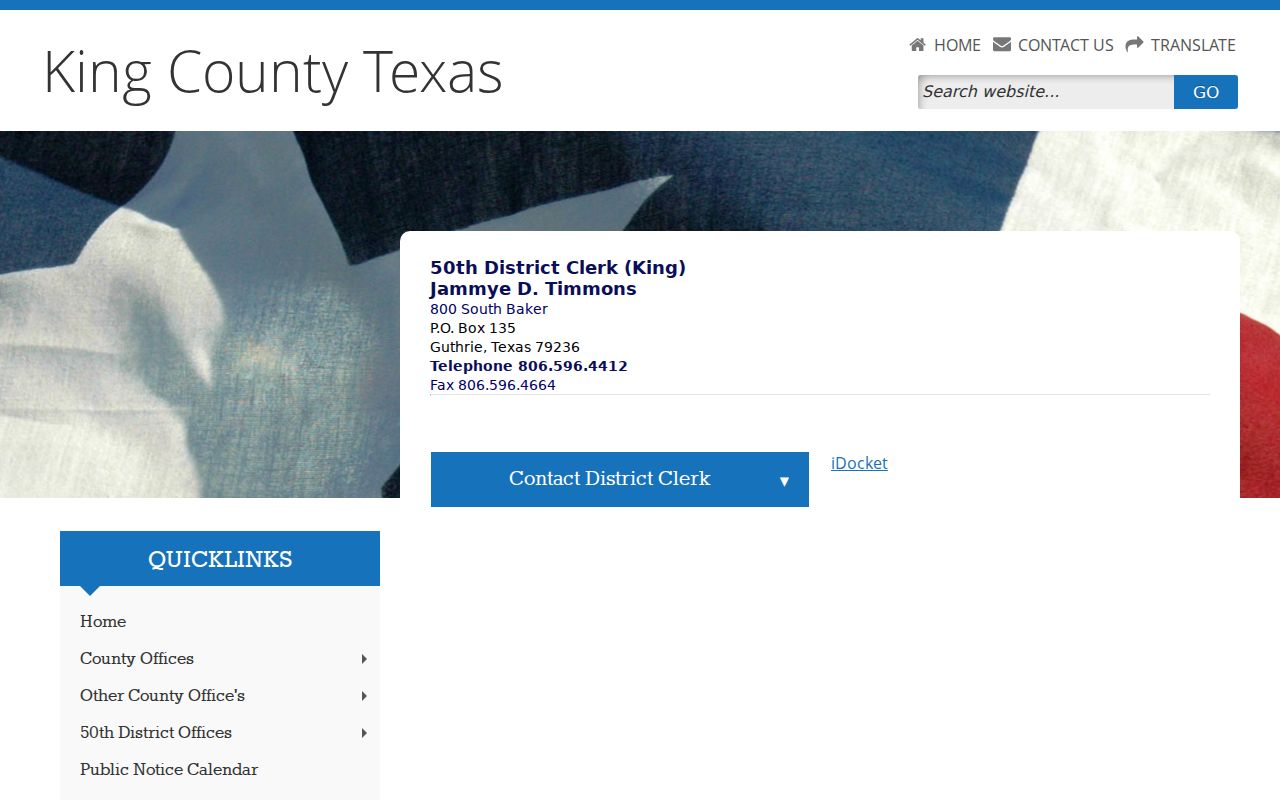
800 South Baker, P.O. Box 135
Guthrie, TX 79236
806-596-4412
Fax: 806-596-4664
The clerk contact page appears in the captured official source.
Call ahead and confirm the counter, hours, payment, and copies.
Fees and Certified Copies
A plain copy just reproduces the record. A certified copy adds the clerk's certificate and seal. Texas sets district and county fees under separate laws, so the filing court matters; ask for a total before sending funds.
| Item | District rule | County rule |
|---|---|---|
| Search without docket number | $5 under §51.306 | Confirm locally |
| Paper copy | $1 per page | $1 per page |
| Electronic document | $1 through 10 pages; $0.10 above 10 | Same structure |
| Certificate and seal | $5 plus copy fee | $5 plus copy fee |
The posted $25 first-page and $4 added-page recording charges cover recording transactions, not court copies. The JP office posts no copy schedule.
King County Written Record Requests
A strong request names the court, the cause number if known, case type, parties, approximate filing date, and the exact document. Say whether you need certification. Name your delivery method, then ask about cost and payment steps. Local pages give mail and fax details. They offer no court-copy upload system.
No cause number? Give an exact name, narrow date range, and likely court. Ask whether the statutory district-clerk search charge applies.
A written request works best when it names the filing and gives an approximate date. Texas Government Code §51.306 lets certain microfilm or electronic district records be requested in writing once a date is supplied. Ask the 50th District Clerk whether that provision covers your item. Probate material goes through the County Clerk. Say plainly that you want a court case, not a real-property recording. For a JP record, contact the JP directly. No local search or certification schedule is published. Before mailing payment, confirm whether 800 South Baker, P.O. Box 135, or another address should receive the request. Leave out your Social Security number, driver-license number, and other sensitive identifiers unless an official form demands them.
Note: The clerk posts no certified-copy order form, no public hours, no payment list, and no promised turnaround.
Sealed Records and Public Access
The Texas judicial open-records policy treats adjudicative records differently from an ordinary county-administration request. Court rules, statutes, common law, and clerk practice govern them instead. Non-case judicial records fall under Rule 12. Keep this in mind. A record can still be open to the public yet unavailable online, redacted, sealed, or left out of a public copy.
Key access rules:
Rule 12 governs non-case judicial records and exemptions.
Civil Rule 76a presumes records open and sets a narrow sealing test.
Family Code Chapter 58 protects juvenile records.
A blank result proves nothing about whether a proceeding happened. Ask the clerk which portion is public, and whether you can get a redacted copy or a written basis for the denial.
King County Statewide Record Layer
re:SearchTX serves as the statewide document system. Its official materials describe case, filing, hearing, event, and document fields. Broad coverage does not guarantee that every King County category or older file is searchable. The judiciary's 2024 data report described wide public document access while leaving criminal case records out of that coverage description. It also noted a clerk-integration direction dated November 2025. None of this settles the public status of a specific King County file in 2026.
eFileTexas accepts filings. It is not a general public docket database. Its chart marks King District, County, and Probate civil filing as mandatory with “Limited” search. Filing can therefore work without full case-management integration. District and county criminal filing is marked mandatory too. Neither status promises public images. A filer may get a limited search function after an accepted filing. That workflow is not a walk-up public case index.
Review each statewide result carefully. Write down the court name, county, filing date, event label, and access date. Then compare the entry against the responsible clerk's own information. That habit pays off when a document price or page count appears but no file opens. It also helps when the latest event is missing. Statewide tools can help locate a record. Certification still comes only from the court or clerk holding the original. If a statewide docket search fails, go back to the local office. The contextual King County case lookup can help you find a cause number before ordering a record.